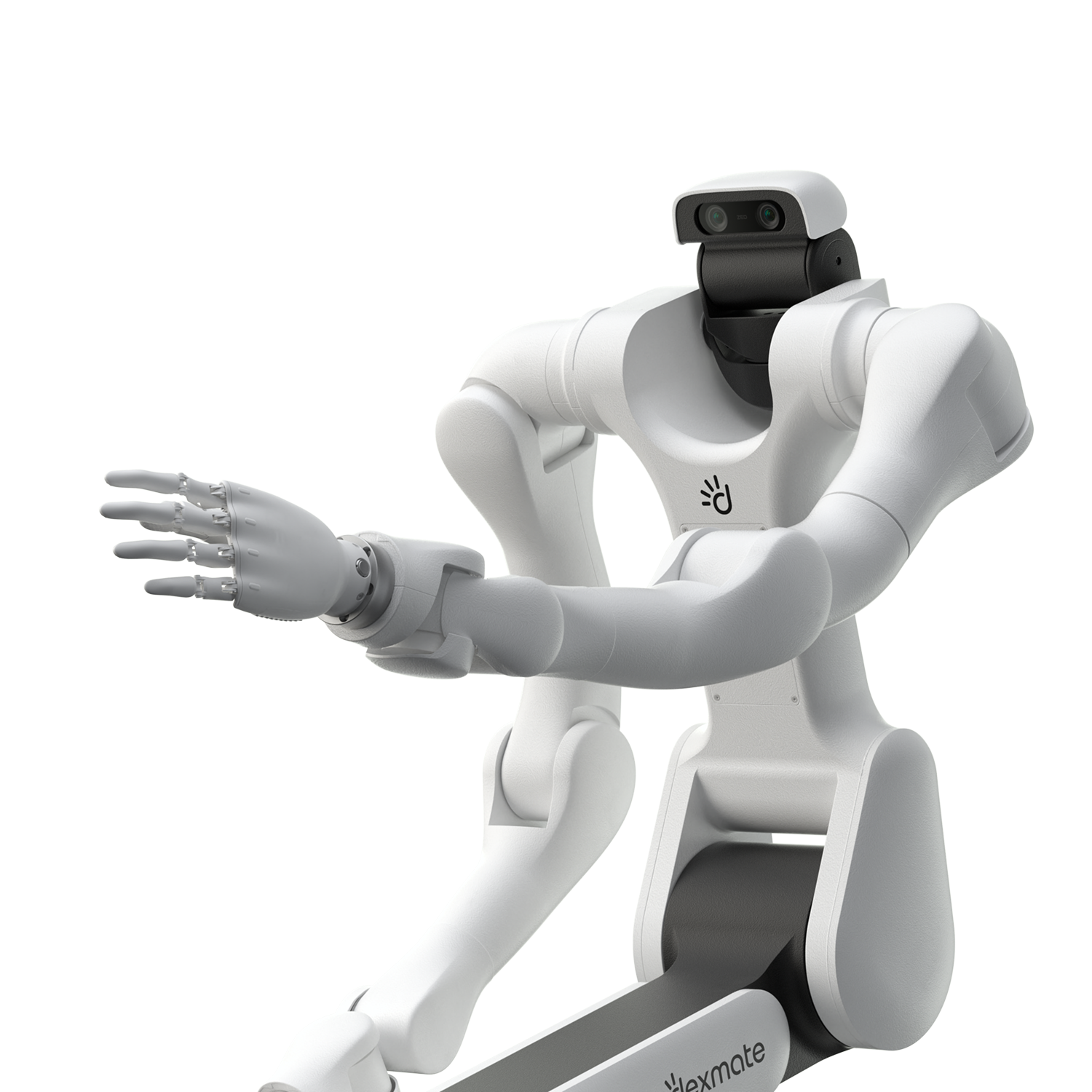
Remote Robot Teleoperation: Dexmate’s SF-to-Fremont Demo with Foxglove
Conference attendees in San Francisco viewed live camera feeds and controlled a Vega at Dexmate’s Fremont office through a Foxglove dashboard, across separate networks.
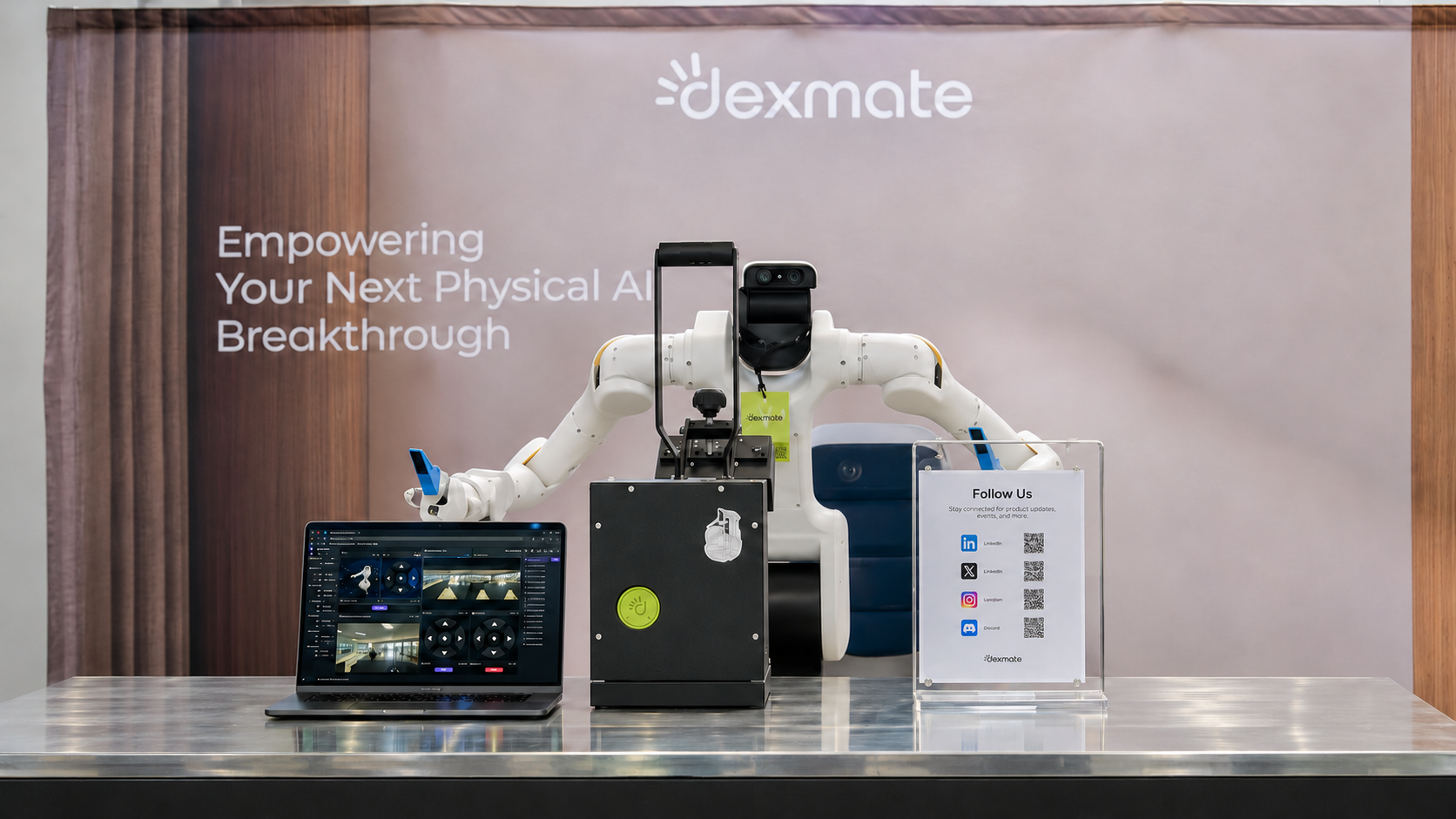
What if you could control a robot from the other side of the world? Dexmate’s remote robot teleoperation demo using Foxglove lets operators view live camera feeds and send commands to a Vega 1 Pro robot over the internet, without sharing its local network. We demonstrated it at a conference in San Francisco, where attendees controlled a Vega at our Fremont office. Through the Foxglove dashboard, they could see through its head and wrist cameras and control its arms, chassis and grippers. The initial integration took just two hours to get running!
The illustration below gives an overview of the remote teleoperation workflow. Later, we’ll explore the architecture in detail, explaining how Zenoh, ROS 2 and Foxglove connect and what each component does.
Why We Wanted to Move Beyond Local-Network Teleoperation
Our existing teleoperation workflow connected the operator to Vega via a local connection through Ethernet, the robot’s hotspot, or a shared Wi-Fi network. Once connected, the operator could access the robot and send control commands locally.
That worked for development alongside the robot. The constraint appeared when someone needed to work with Vega from another location: our setup depended on local connectivity, so the operator needed to be nearby. We wanted to extend that workflow so the robot could stay where it was, while the people working with it could connect from another location. An operator would need both visibility into the robot’s surroundings and a way to send commands over the remote connection.
The conference gave us an opportunity to test this. We kept Vega at our Fremont office and let attendees interact with it from San Francisco, using camera feeds and controls in a Foxglove dashboard. Both locations used Wi-Fi for their local internet connection. The change was that the operator and robot could communicate across separate networks, without sharing the same Wi-Fi network or a direct Ethernet connection.
How the Dexmate-ROS-Foxglove Integration Works
The setup spans three boundaries: Vega, the network connecting the two locations, and the remote operator’s Foxglove dashboard. Two software bridges ran on Vega’s onboard NVIDIA Jetson computer, while the operator accessed camera feeds and controls through the dashboard.
Connecting Vega to ROS
Vega uses Zenoh for robot communication. The dexcontrol-rosbridge package receives its sensor streams, converts them into ROS 2 messages, and publishes them on configured topics. In this demo, it brought the head and wrist camera feeds into the ROS 2 ecosystem.
Connecting ROS to the Remote Foxglove Dashboard
Foxglove Bridge exposes those ROS 2 topics to Foxglove. We configured the dashboard with camera panels and buttons for the arms, chassis, and grippers. Foxglove Remote Access connects the operator to the robot across separate networks and handles several challenges of streaming robot data over the internet:
- No separate VPN setup. Developers don’t need to configure Tailscale or manage inbound ports and public IP addresses. Foxglove handles connection traversal and relaying.
- Efficient bandwidth use. Camera image topics are automatically transcoded into WebRTC video streams, with quality adapting to available bandwidth. Remote Access also supports point-cloud compression for applications that stream 3D sensor data.
- Fresh data over accumulating delays. Lossy channels prioritize low latency by allowing messages to be dropped rather than waiting for retransmission or building a backlog. Topics that require guaranteed delivery can use reliable channels.
These features reduce network setup work and help keep the operator’s view responsive when bandwidth or connection quality varies.
Following One Command from the Dashboard to the Robot
Consider an operator sending a gripper command:
- The operator views the camera feeds and selects a gripper control in the Foxglove dashboard.
- The dashboard publishes the configured command through the Foxglove connection.
- The Foxglove bridge passes the command into ROS.
- The Dexmate-to-ROS bridge maps it to the corresponding Dexmate command.
- Vega executes the command, and the operator observes the result through the camera feeds.
This completes the interaction loop: the operator observes the robot, sends a command, and uses the returning camera feed to decide what to do next.
What Can the Operator See and Control?
The Foxglove dashboard brings the head and wrist camera feeds together with controls for Vega’s arms, chassis and grippers. The operator can observe the robot and issue commands from one interface.
We configured the dashboard around two tasks: viewing the robot’s surroundings and sending commands to specific robot parts.
First, we added camera views for the head and wrist cameras and connected them to the corresponding data streams. We then added control buttons and configured each one to send the appropriate command for an arm, the chassis, or a gripper.
The resulting workflow lets the operator:
- Open the dashboard and establish the robot connection.
- Check the head and wrist camera feeds.
- Select a control for the desired robot part.
- Observe the response through the camera views.
At the conference, attendees used this interface to interact with Vega in Fremont while remaining in San Francisco. The dashboard provided the visual feedback and controls needed for the demonstrated actions.
What This Opens Up Next
Remote teleoperation makes physical hardware more accessible to developers. Vega can stay in the lab while a developer connects from another location to inspect camera feeds, send commands, and observe the results.
For distributed teams, this means a teammate can investigate an issue directly instead of relying on a recorded video or asking someone onsite to reproduce every action. Collaborators can also try robot controls and provide feedback without arranging a visit.
By bringing camera views and controls into Foxglove, this integration gives developers a shared interface for working with Vega, no matter where their team is based.
Try It on Your Vega
Interested in remote teleoperation with Foxglove? Contact the Dexmate team to try it on your Vega. We’ll help you set up the integration, connect the dashboard, and get started with remote camera views and robot controls.
Core Contributors: Pragya Sen (Dexmate), Mat Sadowski (Foxglove)
FAQs
Yes. In our demo, conference attendees in San Francisco used a Foxglove dashboard to view live camera feeds and control a Vega robot at Dexmate’s Fremont office.
Start Your Physical AI Journey with Us